
Your support inbox, actually answered
Forward [email protected] to Takallam, or connect the mailbox directly. The agent reads the whole thread, answers from your own address, and passes it to a person — with the history attached — the moment it should not be answering.
An autoresponder confirms receipt. This one replies.
Most email automation tells your customer their message is important and that someone will be with them shortly. Takallam reads what they actually asked, checks it against your knowledge base, and sends a real answer — in the same thread, from the same address, quoted correctly.
- Replies in-thread so the customer sees one conversation, not a new ticket.
- Sends from your domain, in your tone, in English or Arabic — matched to the language they wrote in.
- Reads attachments — an invoice, a booking confirmation, a photo of a damaged item.
- Says it does not know rather than guessing, and escalates instead.
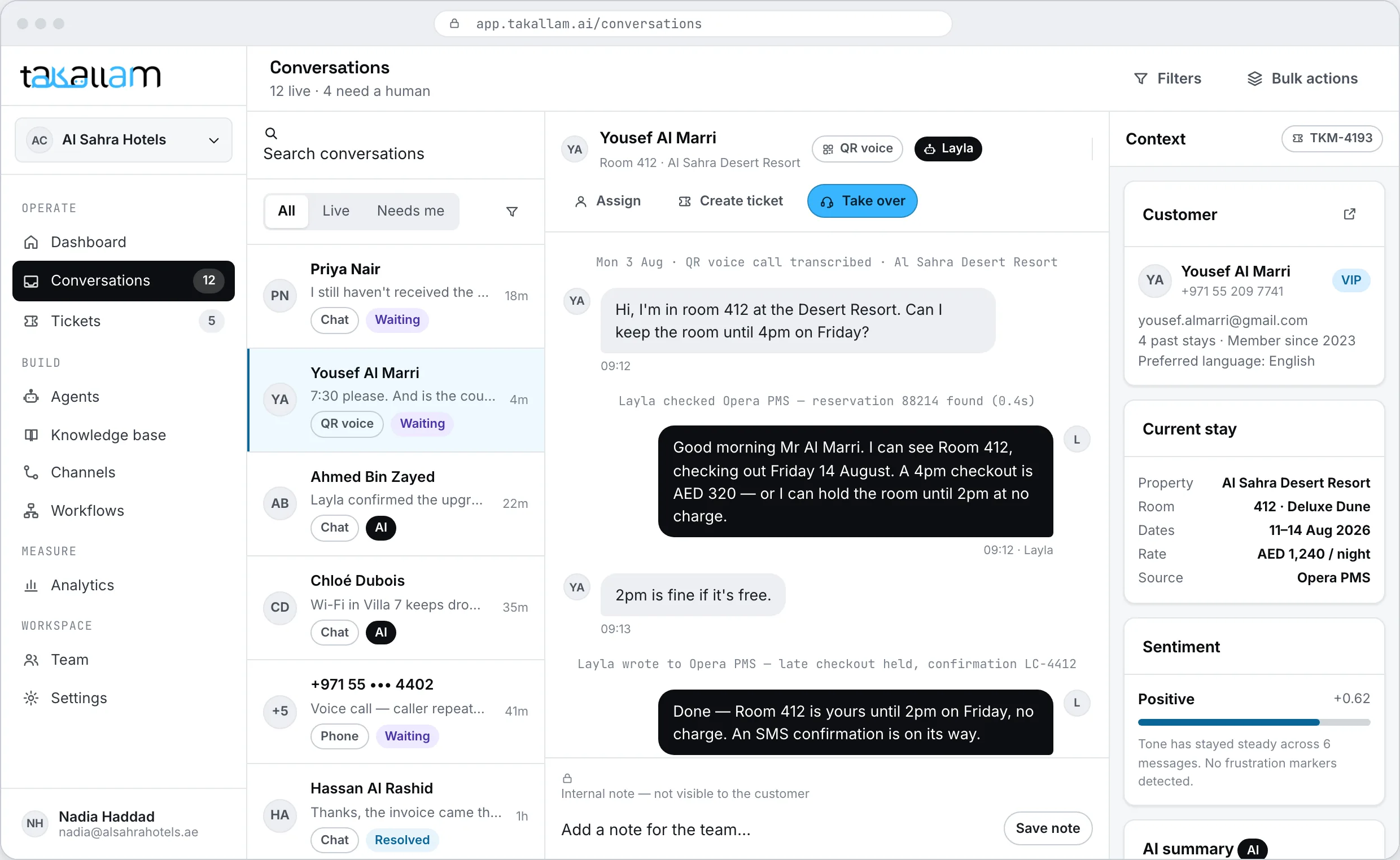
It sorts the inbox before anyone opens it
Every incoming email is read, categorised and routed. By the time your team looks, the queue is already ordered by what actually needs a person — not by what arrived most recently.
- Tags and categorises by intent, so refunds do not sit behind newsletter replies.
- Routes to the right team using rules you write, per agent and per mailbox.
- Opens a ticket with an SLA when something genuinely needs tracking.
- Detects an angry tone and moves it up the queue rather than answering it.
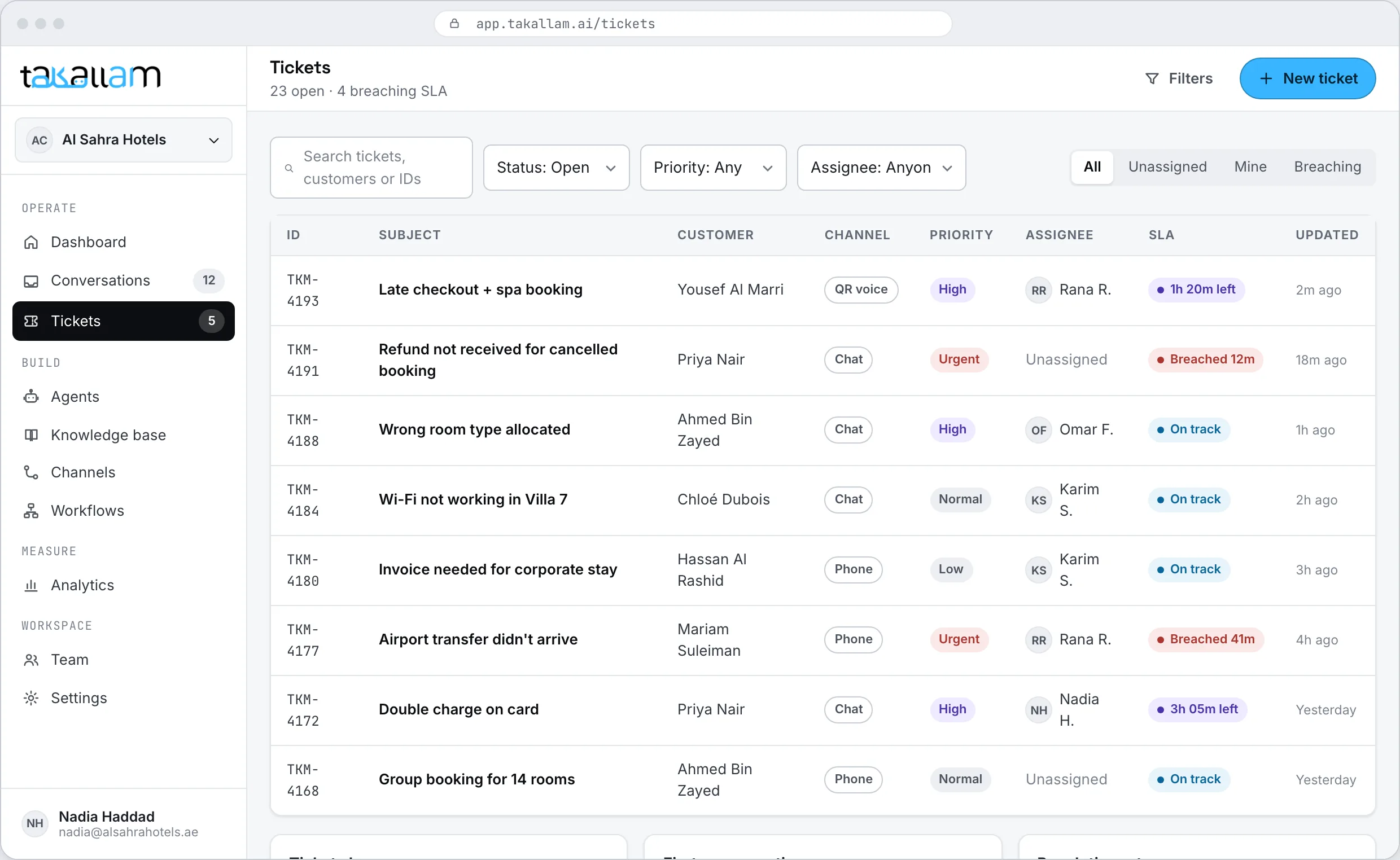
The email knows about the phone call
A customer who called on Tuesday and emails on Thursday does not start again. Email is not a separate system here — it is a fourth way into the same conversation record, the same knowledge base and the same agent.
- The agent sees what was said on the phone, in chat and on a QR scan.
- A thread can move to chat or a call without losing anything.
- Your analytics count an email question alongside the same question asked by voice.
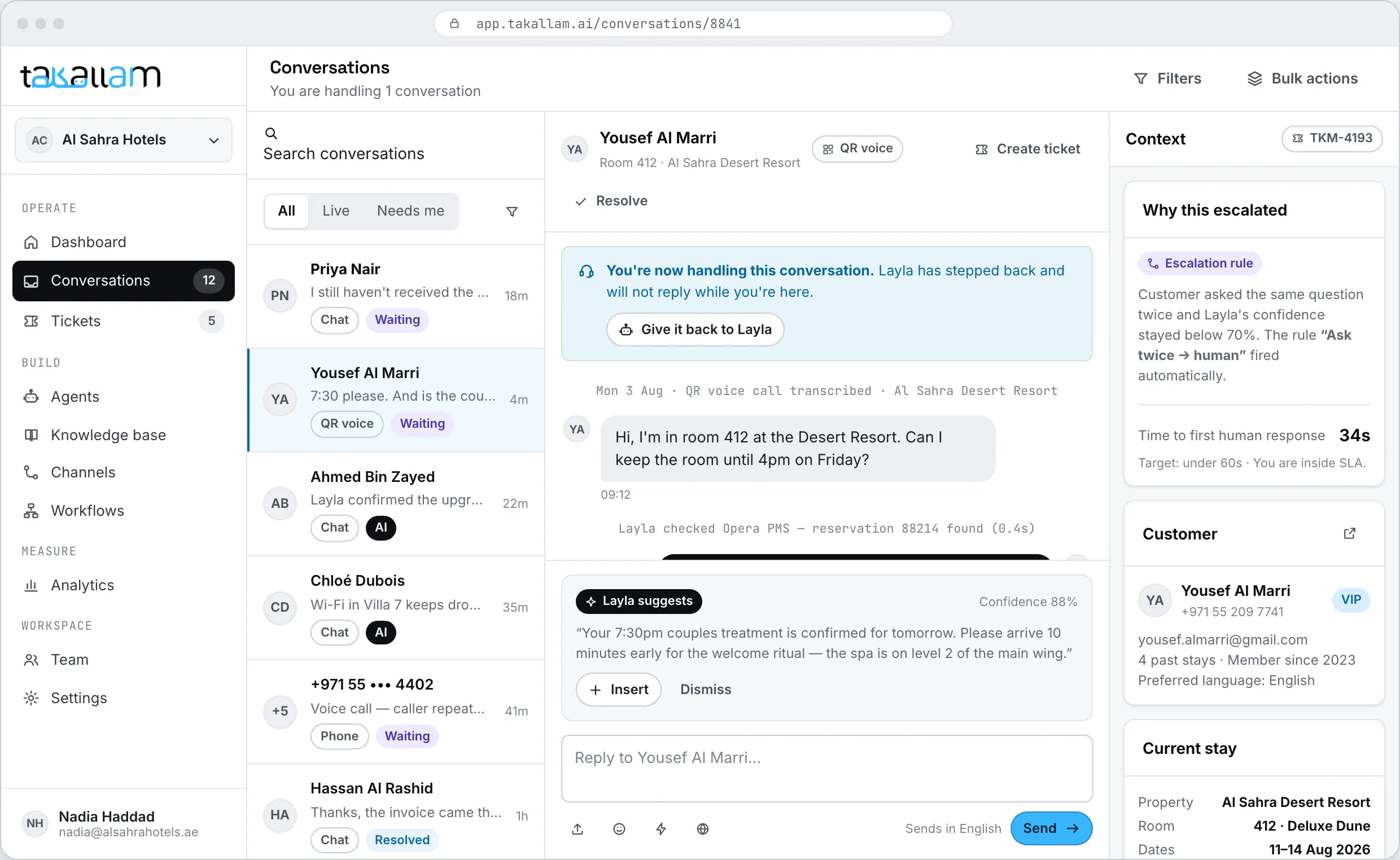
Three ways to point email at Takallam
Forward your address
Set a forwarding rule on [email protected]. Nothing else changes, and you can turn it off in one click.
Connect the mailbox
Connect Google Workspace or Microsoft 365 directly so replies thread properly and sent mail lands in your own Sent folder.
Send it via the API
Already have a mail pipeline? Post the message to the conversations endpoint and take the reply back as JSON.
What email support usually looks like
Most teams run their inbox one of three ways. Here is what each one actually gives you.
| Takallam | Autoresponder + macros | Shared inbox, all human | |
|---|---|---|---|
| Sends a real answer, not an acknowledgement | |||
| Answers outside working hours | Acknowledgement only | ||
| Reads and uses attachments | |||
| Replies in Emirati and Gulf Arabic | Template only | If you staff it | |
| Categorises and routes before a person opens it | Keyword rules | ||
| Shares history with voice and chat | |||
| Escalates with the full thread attached | Manual | ||
| Cost scales with | Interactions | Seats | Headcount |
Categories, not specific products — capabilities vary by vendor and plan.
Email is one of four
The same agent, the same knowledge, the same record of the customer.
Email, specifically
Do we keep our existing support address?
Yes. You either forward [email protected] to Takallam or connect the mailbox directly. Customers keep writing to the address they already know, and replies come from that same address.
Will it reply to everything automatically?
Only what it is confident about and allowed to handle. You set the escalation rules — low confidence, an angry tone, anything touching refunds or personal data. Everything else goes to your team with the full thread attached.
Can we review replies before they send?
Yes. You can run email in draft mode, where the agent writes the reply and a person approves it. Teams usually start there for a couple of weeks, then let it send directly for the categories it handles well.
What happens to attachments?
The agent reads them. A PDF invoice, a booking confirmation or a photo of a damaged item all become part of what it uses to answer, and they stay attached to the conversation for whoever picks it up.
Does it handle Arabic email?
Yes, including Emirati and Gulf dialect, and including customers who write in a mix of Arabic and English. It replies in the language the customer wrote in.
How is an email counted for billing?
Per interaction, and email is priced separately from voice and chat because it costs a different amount to deliver. A back-and-forth thread is not counted as a fresh interaction each time it continues.
Can it work alongside our existing helpdesk?
Yes. A common setup is Takallam answering the front line on email, voice and chat, with anything it escalates flowing into the helpdesk your team already lives in.
Put the inbox on the list
Tell us roughly how much email you get and which other channels you need, and we will come back with a rate against your real volume.
Pay per interaction · priced per channel · no seats, no minimums